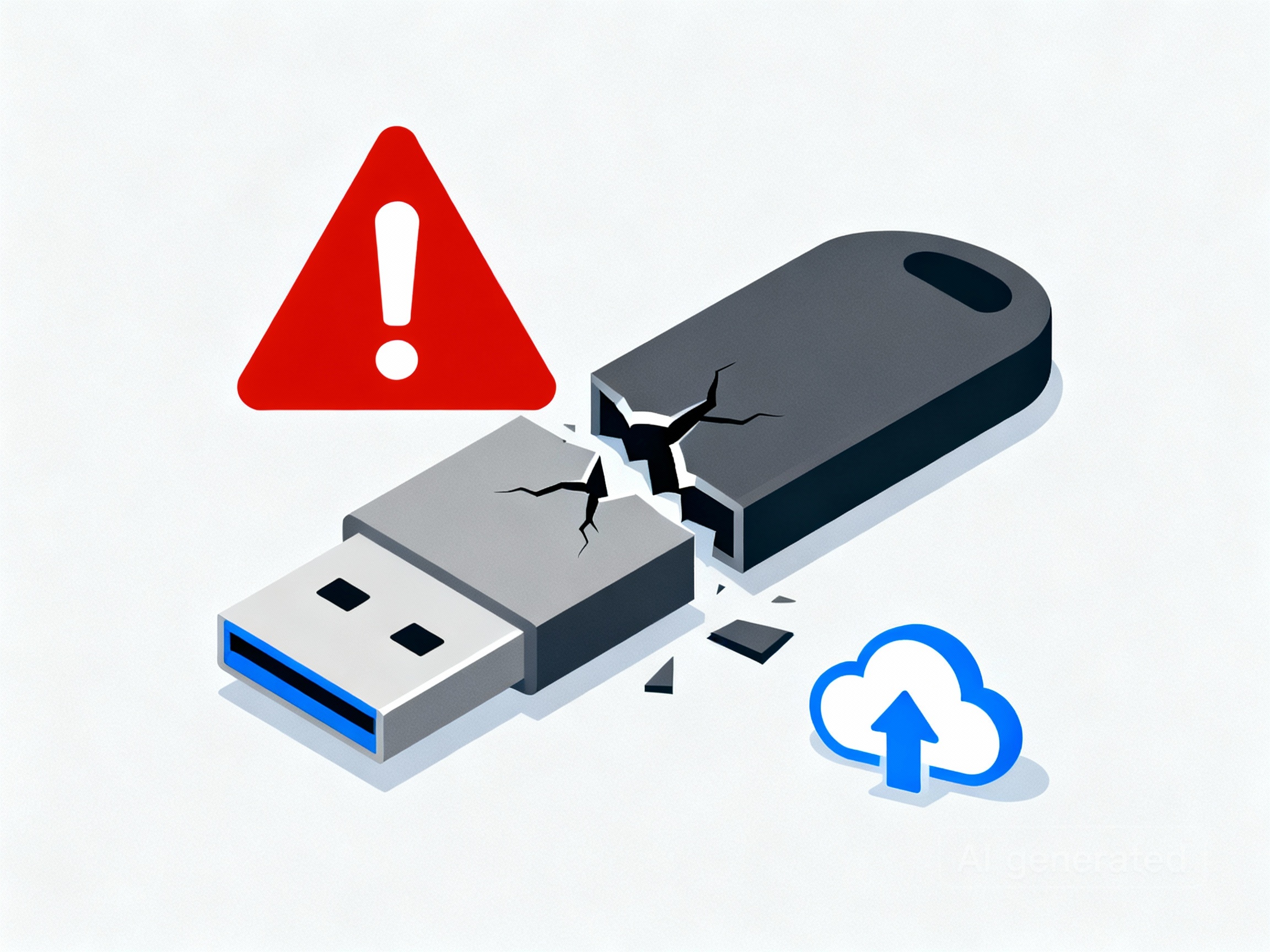
USB flash drives are convenient, inexpensive, and portable. For moving files between devices, they work well. But as a primary backup method—for either a home computer or a small business—they fall short in several ways. Understanding their limitations can save you from losing valuable data when you need it most.
1. Limited Lifespan and Durability
Flash drives use memory chips that degrade each time data is written or deleted. Over time, that wear adds up, and the drive can fail without warning. They’re also very easy to damage physically; being small and flexible means they can snap, bend, or stop working if left plugged into a laptop bag or pocket. Businesses that make frequent backups or individuals who rely on a single copy of family photos are especially at risk.
2. Easy to Lose or Misplace
For home users, a flash drive might end up in a drawer and never be seen again. In a business, it might pass between staff, increasing the risk of loss. If that drive contained sensitive information or the only copy of your data, it’s gone. Worse still, if it holds customer details or records, the loss could breach data protection obligations under UK GDPR.
3. No Automation or Version History
Good backups run automatically and keep multiple versions of files. USB drives rely on manual effort—you must remember to plug them in and copy your data. That means many backups end up weeks out of date. A proper backup system, such as cloud storage or automated software, creates schedules and keeps version history, allowing you to recover earlier copies when something goes wrong.
4. Security and Malware Risks
Plugging the same drive into several computers, especially in a business environment, can easily spread malware. Some ransomware strains actively look for connected USB drives to encrypt or destroy files. A secure backup strategy should isolate stored data so it’s protected even if a device on your network becomes infected.
5. Poor Long-Term Reliability
Flash drives aren’t designed for consistent, long-term data storage. Over time, data integrity fades as the cells lose their charge. In both homes and offices, that can mean finding an old USB backup only to discover it no longer works or the files are corrupted.
Better Backup Options
- External hard drives or SSDs: Good for both homes and small businesses wanting a simple, local solution. You can schedule automated backups and store multiple copies.
- Cloud storage: OneDrive, Google Drive, and similar services automatically sync and protect your data off-site. For businesses, cloud backup adds the advantage of remote access and disaster recovery.
- Network Attached Storage (NAS): Ideal for small businesses or families wanting shared backups and redundancy across multiple devices.
The Bottom Line
For everyday file transfers, a USB flash drive is fine. But as a backup solution, it fails on reliability, automation, and security. If you’re a home user, protect your photos and documents with scheduled cloud or hard drive backups. If you run a small business, invest in a structured, automated system—so your data stays safe, compliant, and recoverable when it matters most.
Need Help Setting Up Reliable Backups?
At Rother Valley IT, we can help you create a backup solutions tailored towards your needs. Whether it’s setting up cloud backups, installing NAS devices, or setting up software to automate your backups.
Contact us today if you’d like to discuss your needs.
Leave a Reply
You must be logged in to post a comment.